Receipt Pro
AI receipt scanning that keeps every data point on your device.
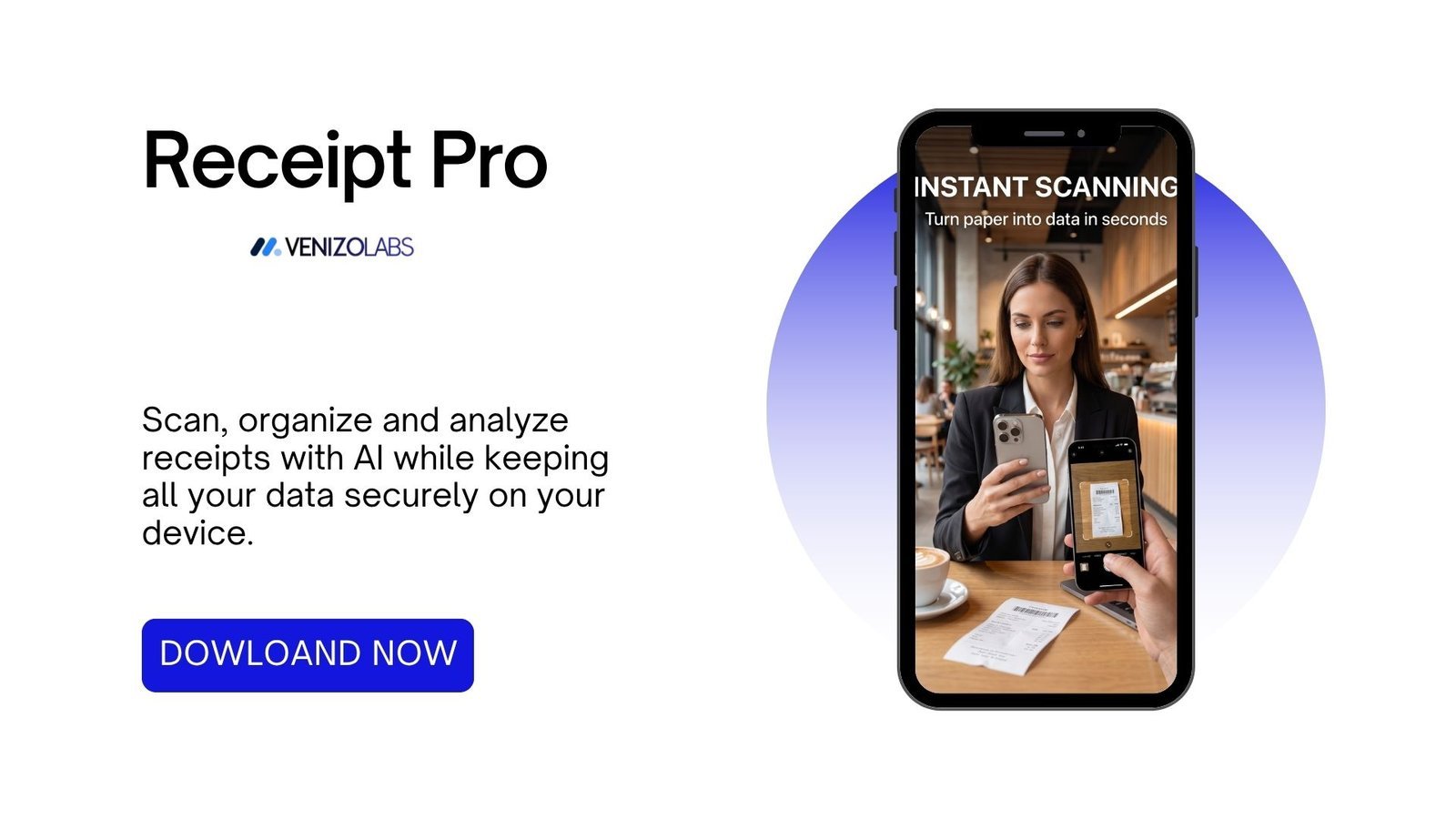
Receipt Pro is a privacy-first receipt management app that scans receipts entirely on your device, organises expenses automatically and never uploads your personal data to the cloud.
Smart on-device OCR Apple Vision powered OCR recognises English and Turkish receipts and extracts merchants, dates, items, subtotal, VAT and total automatically.
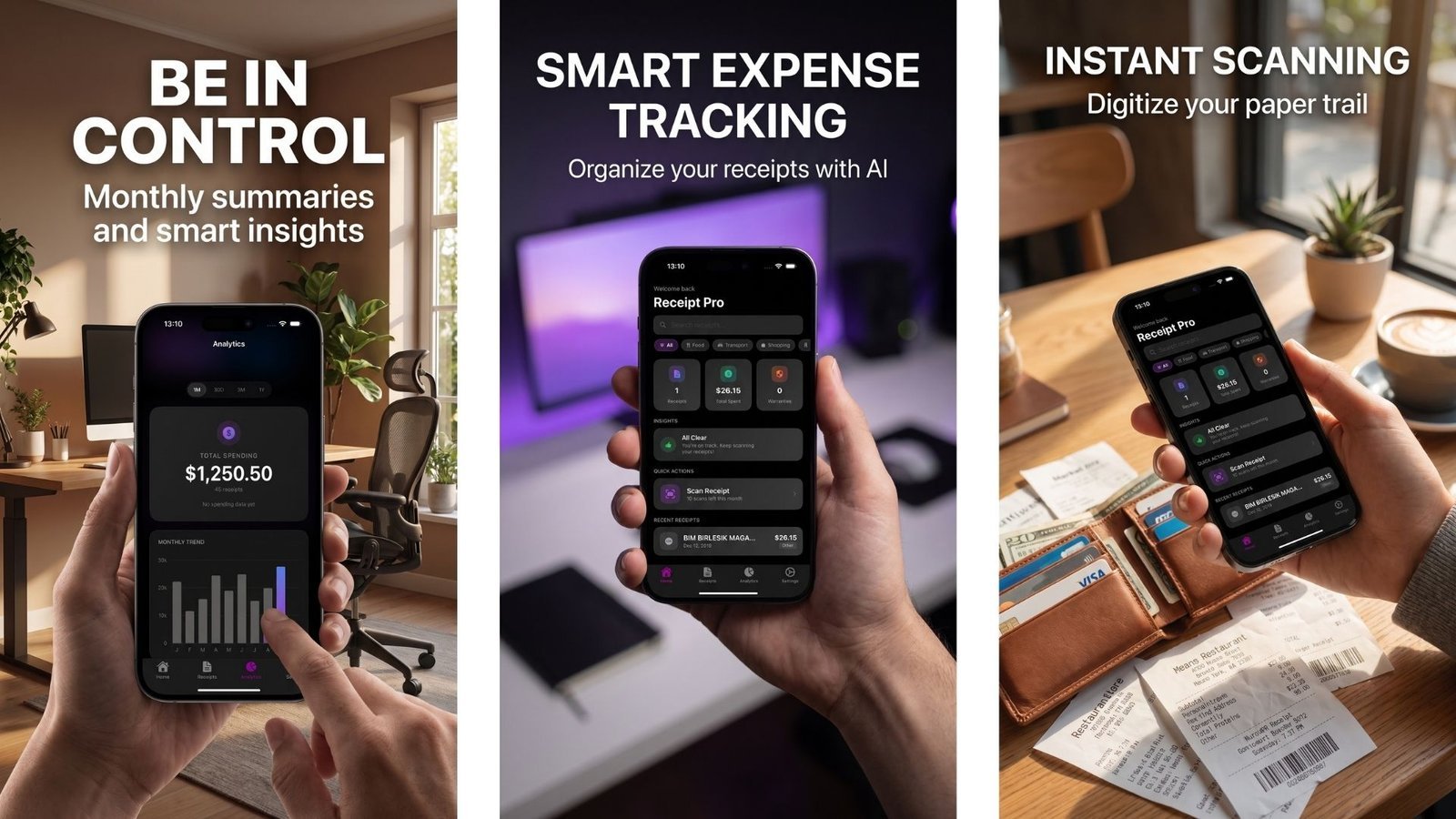
AI-powered analysis Receipts are categorised intelligently and turned into clean spending summaries, category breakdowns and trends over time.
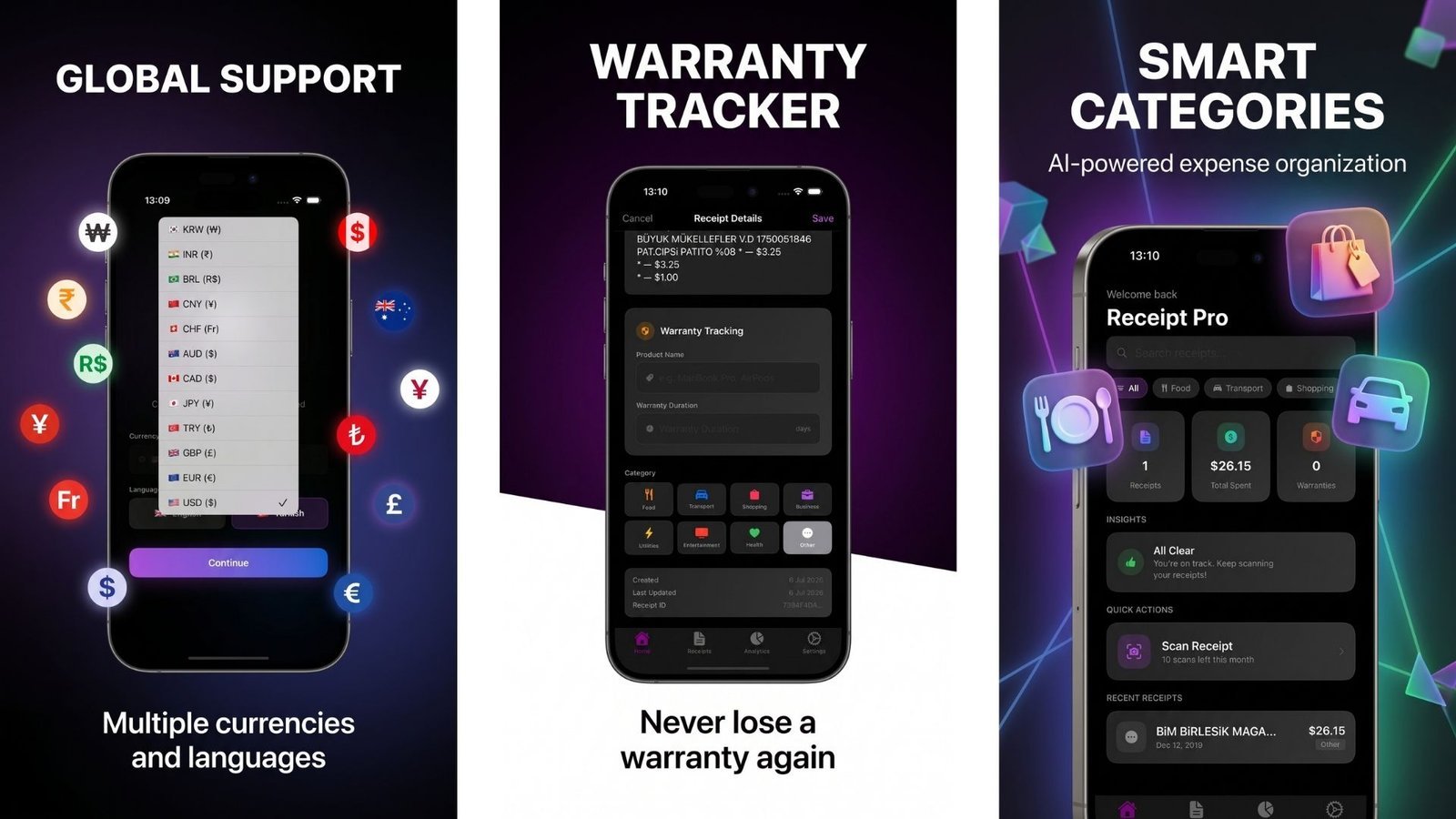
Warranty tracking Keep product warranties, purchase dates and expiry reminders (7-day and 1-day) alongside the receipts they belong to.
Reports and export Generate professional PDF reports for printing and export your data to CSV for Excel, Numbers or accounting software.
Private by design No accounts, no ads, no tracking and no cloud. Your data is stored locally and securely, with support for 18+ currencies and fully offline processing.
Screens
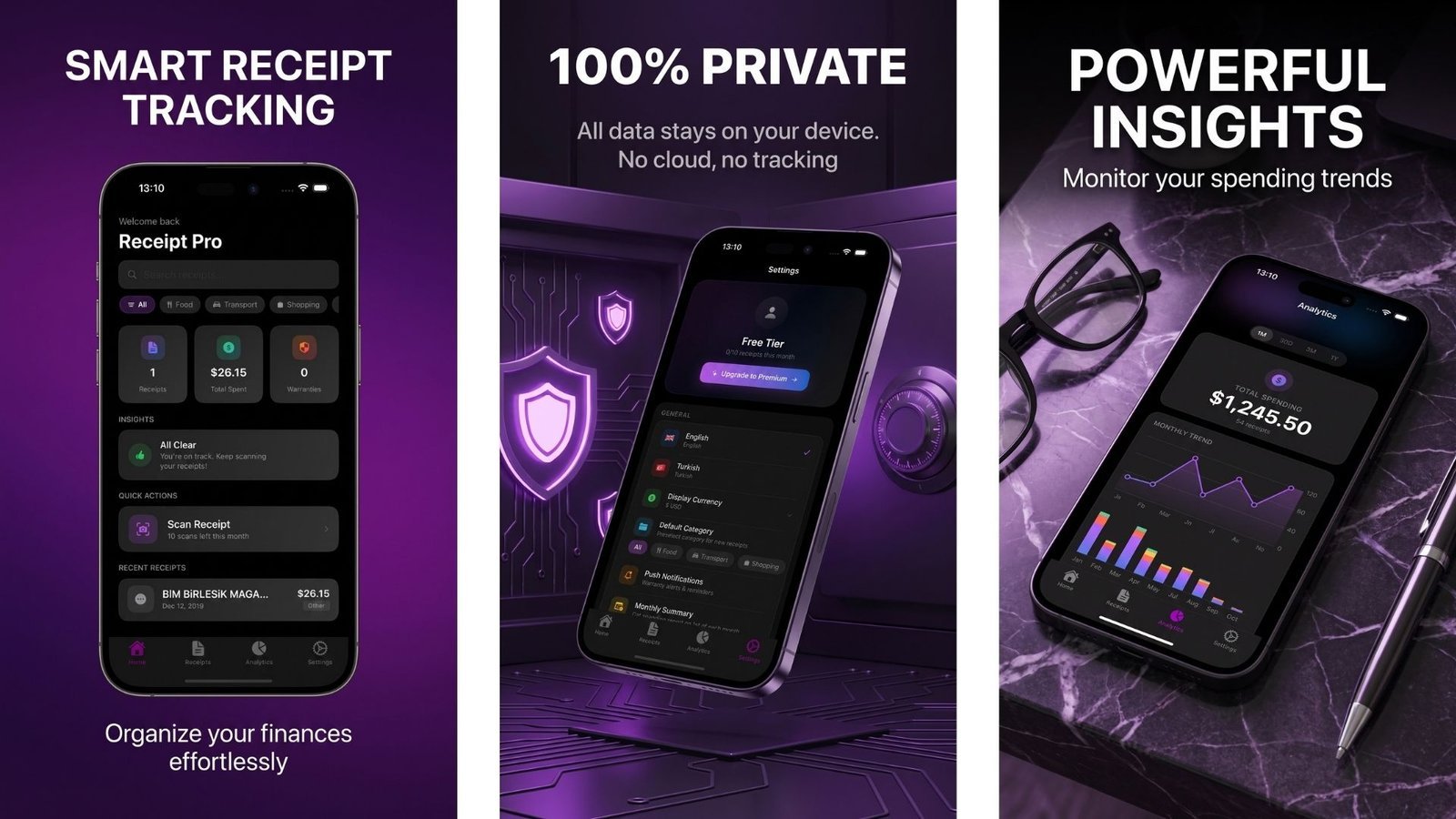
On-device OCR
English and Turkish receipts scanned without the cloud.
Auto categorisation
AI sorts every receipt and builds spending analytics.
Warranty reminders
7-day and 1-day alerts before warranties expire.
PDF & CSV export
Print-ready reports and spreadsheet-friendly exports.
What's new
On-device OCR, AI categorisation, warranty tracking, PDF and CSV export.
Common questions
Does my data ever leave my device?
No. OCR and analysis run entirely on-device and no receipts are uploaded to the cloud.
Which languages are supported?
Receipt recognition works for English and Turkish receipts, and the interface supports both languages.
Can I export my expenses?
Yes — export professional PDF reports or CSV files for spreadsheets and accounting tools.
Legal and support
Related posts
Receipt Pro review: on-device receipt scanning that respects your privacy
A hands-on look at Receipt Pro: Apple Vision OCR, on-device categorisation, warranty reminders and PDF/CSV export — without an account or a cloud upload.
Receipt Pro setup guide: your first receipt in two minutes
Install Receipt Pro, scan your first receipt and set a warranty reminder in a few short steps. No account required.
How Receipt Pro categorises receipts with on-device AI
OCR reads the paper, then a local categorisation layer suggests where the expense belongs. Here is how the two steps work — and where they stop.